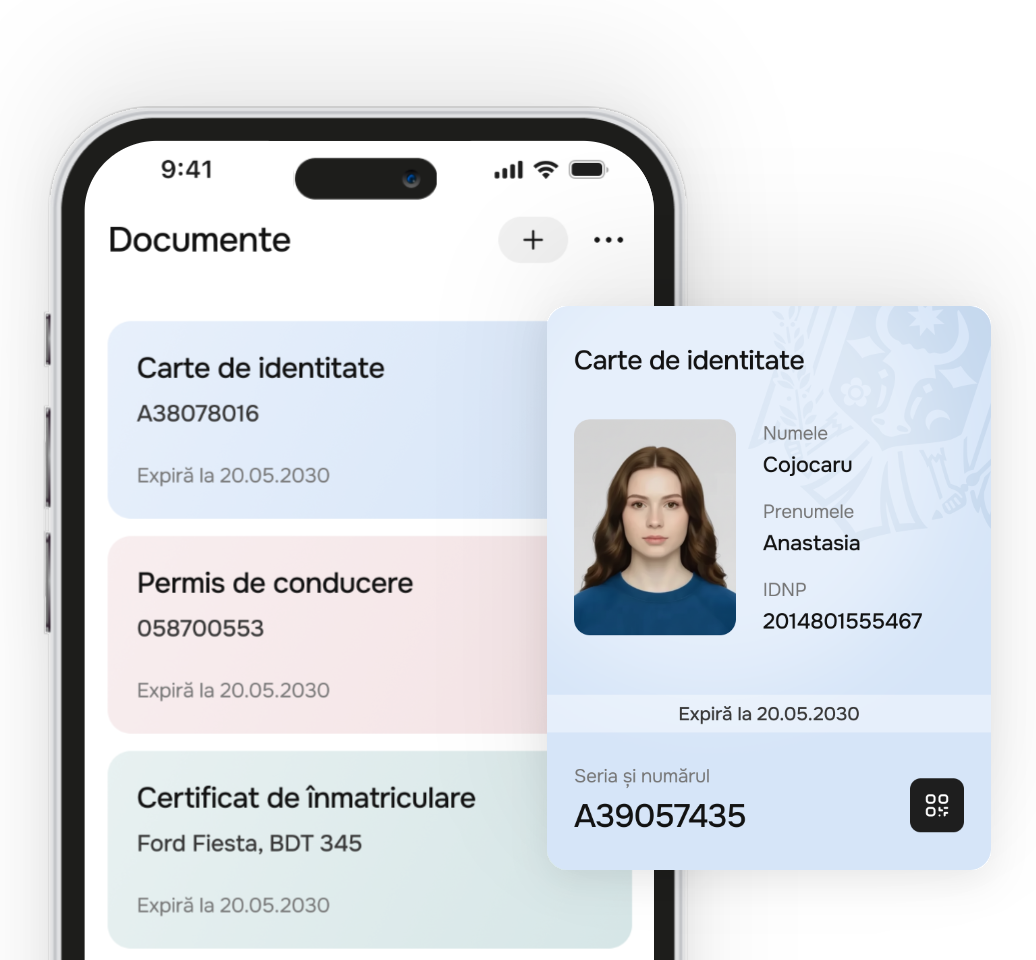
Your documents, always at hand
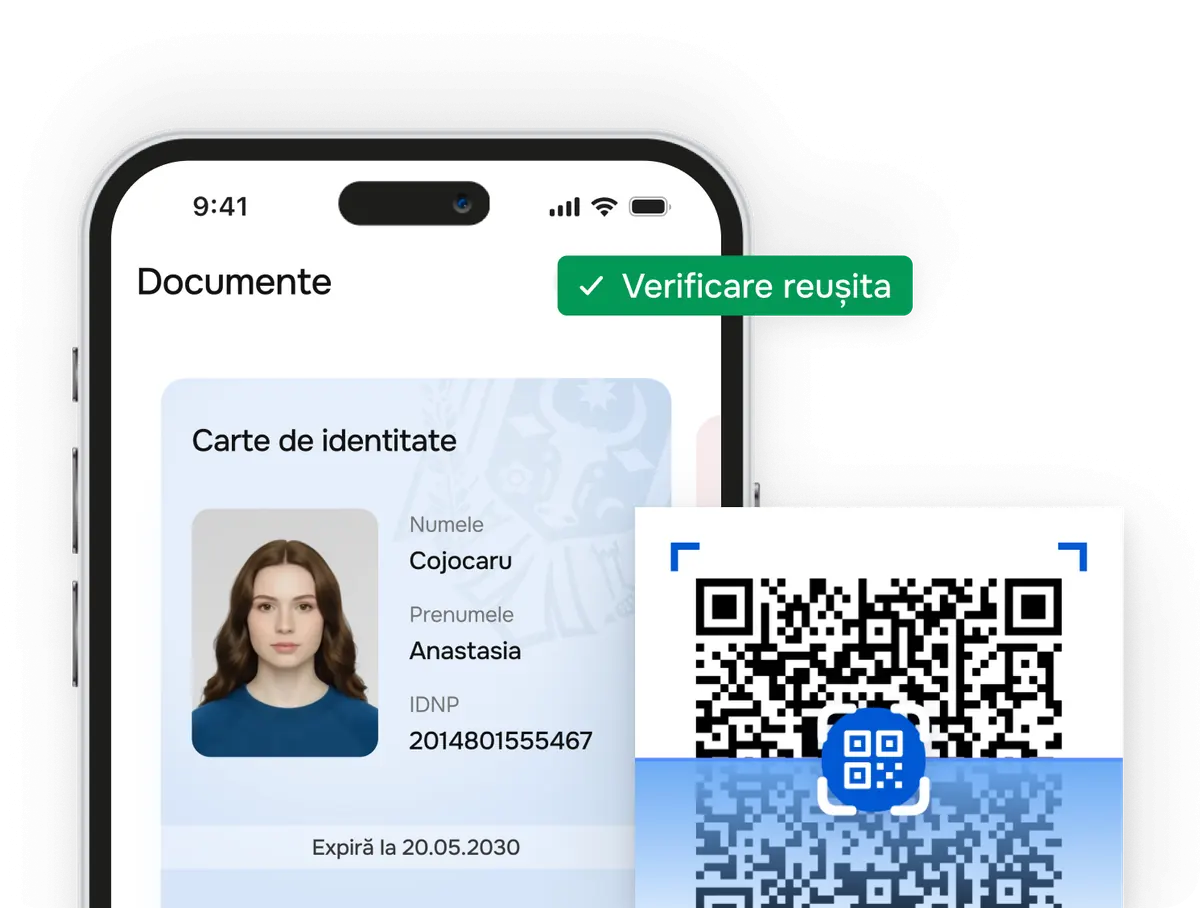
Access digital documents anytime, anywhere, so you can get things done quickly without unnecessary trips. Legally recognised, everywhere!
We could not fully load this page
Some interactive features are unavailable right now. Reload the page or continue to one of the pages below.
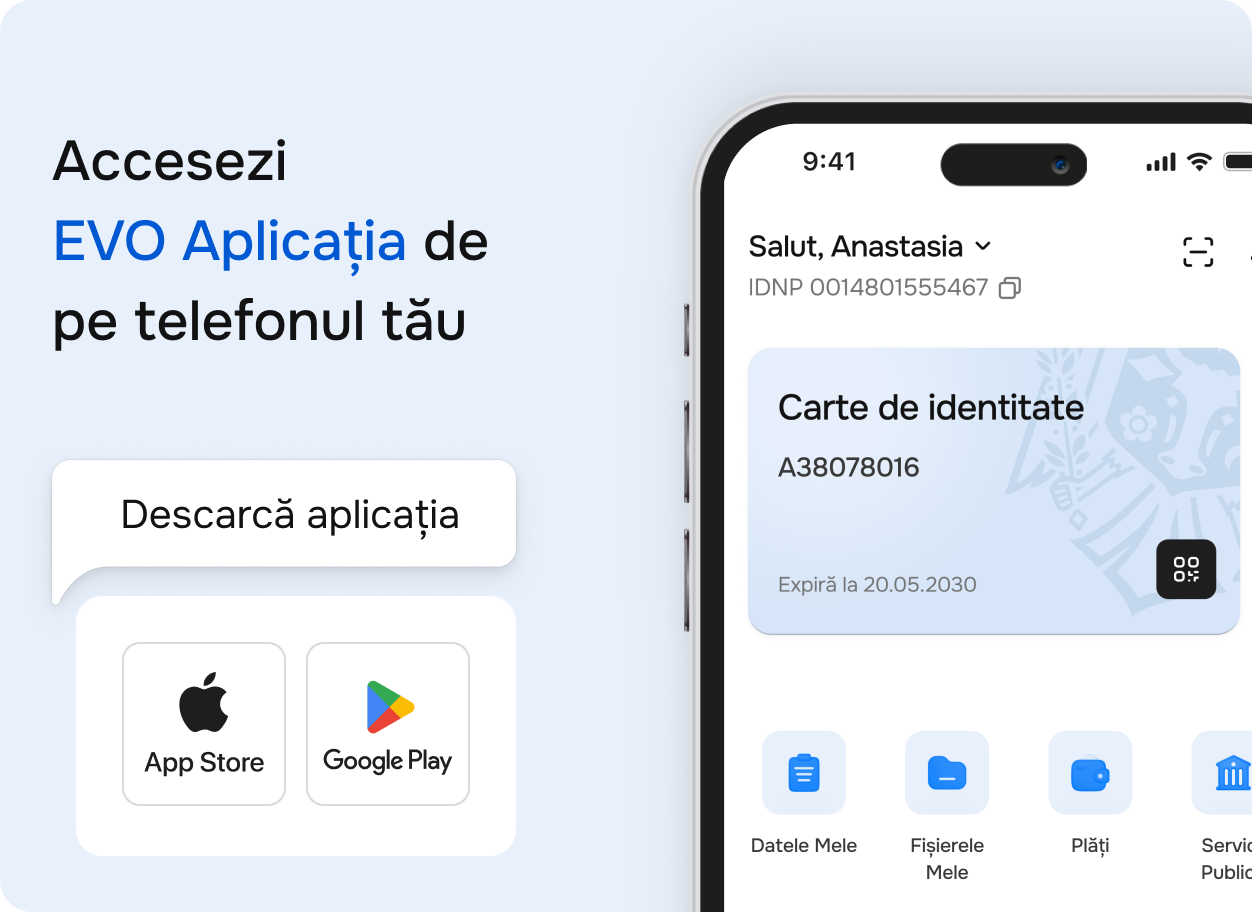
Access digital documents, make payments quickly and manage your relationship with the state directly from the EVO mobile app.

Scan the QR code to install the app
Available on
You need an electronic signature to use EVO.
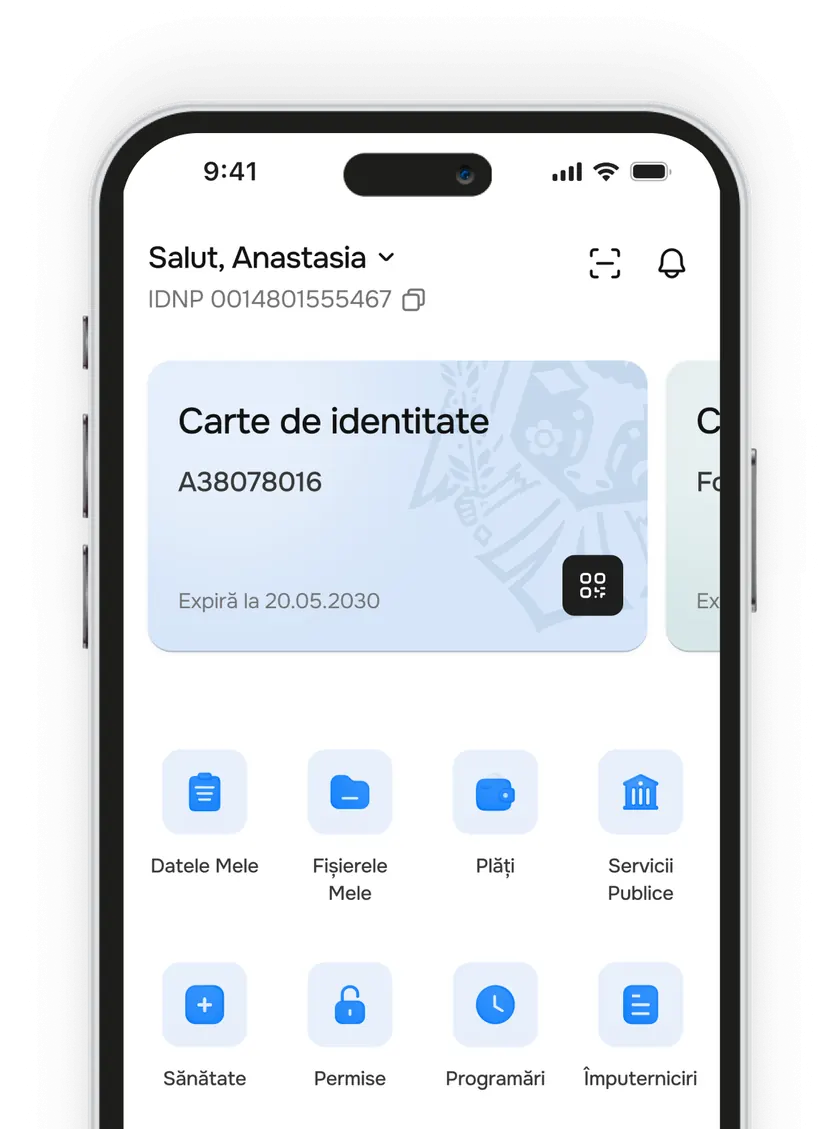

Access digital documents anytime, anywhere, so you can get things done quickly without unnecessary trips. Legally recognised, everywhere!
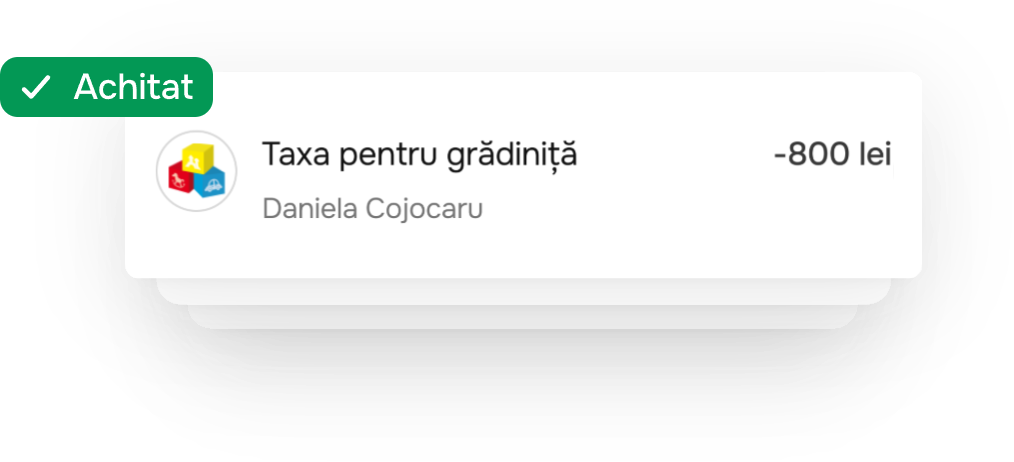
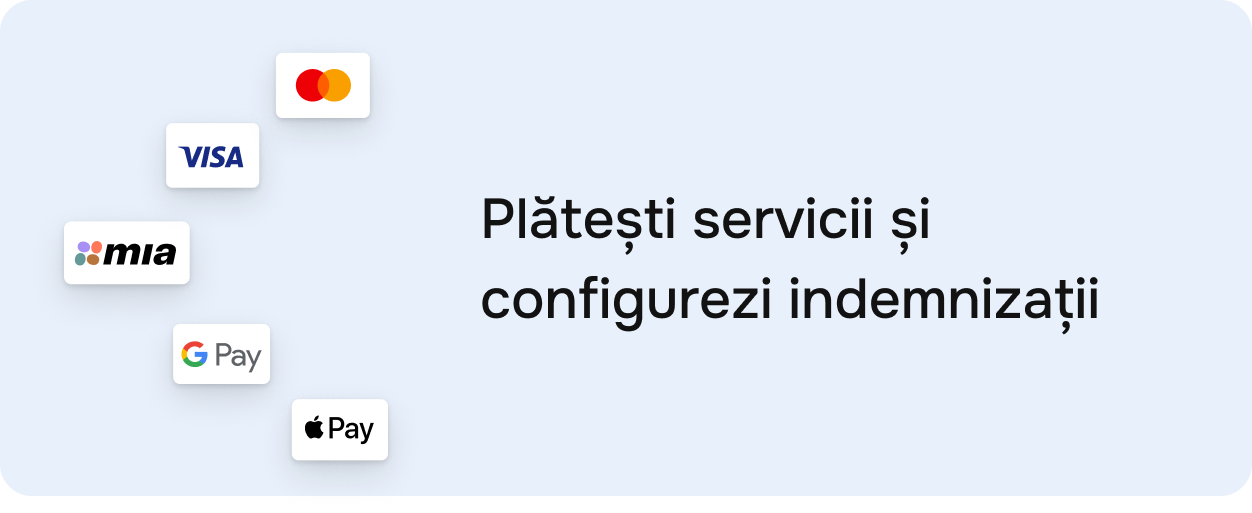
Pay taxes and services directly from the app using the method that fits: card, MIA Instant Pay, Apple Pay or Google Pay – with the full history in one place.
Manage the account where you receive social benefits, state payments and your salary if you are a public employee.
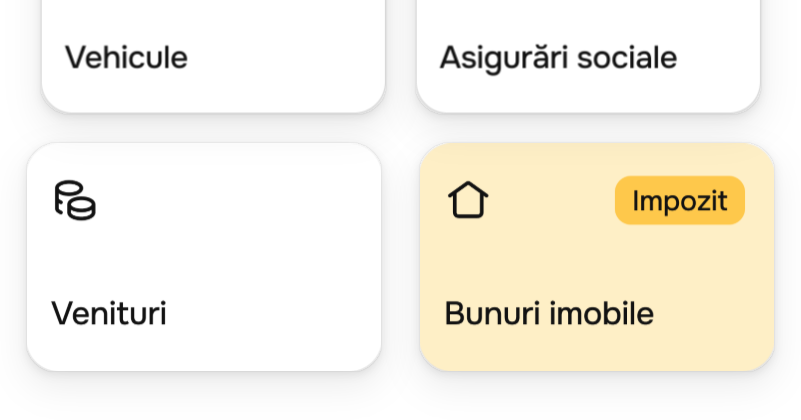
See all your income, assets and social-security contributions in one place.
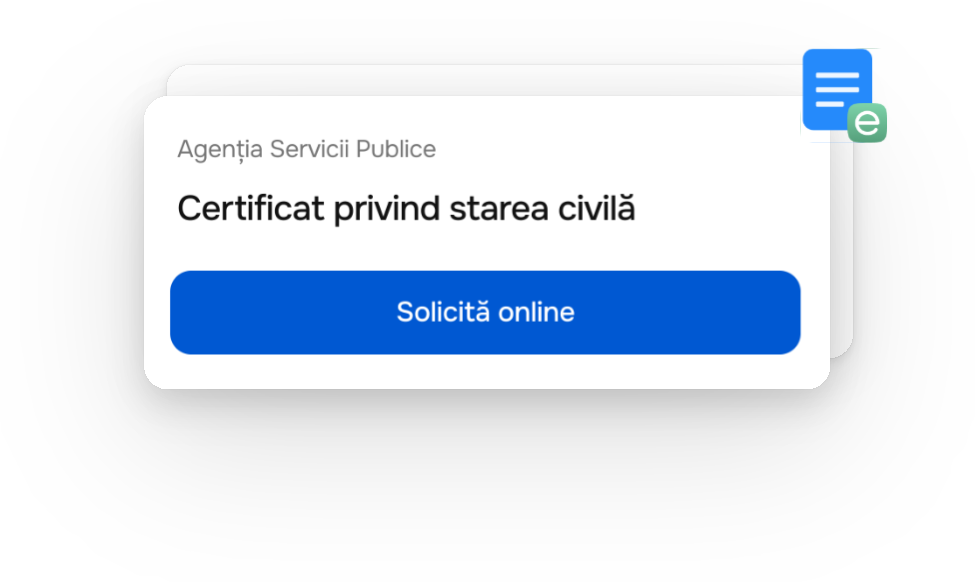
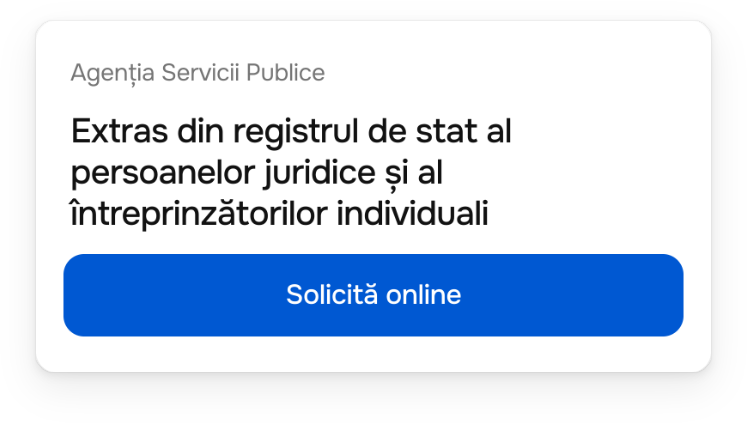
Find public services and request them online, without queueing at counters.
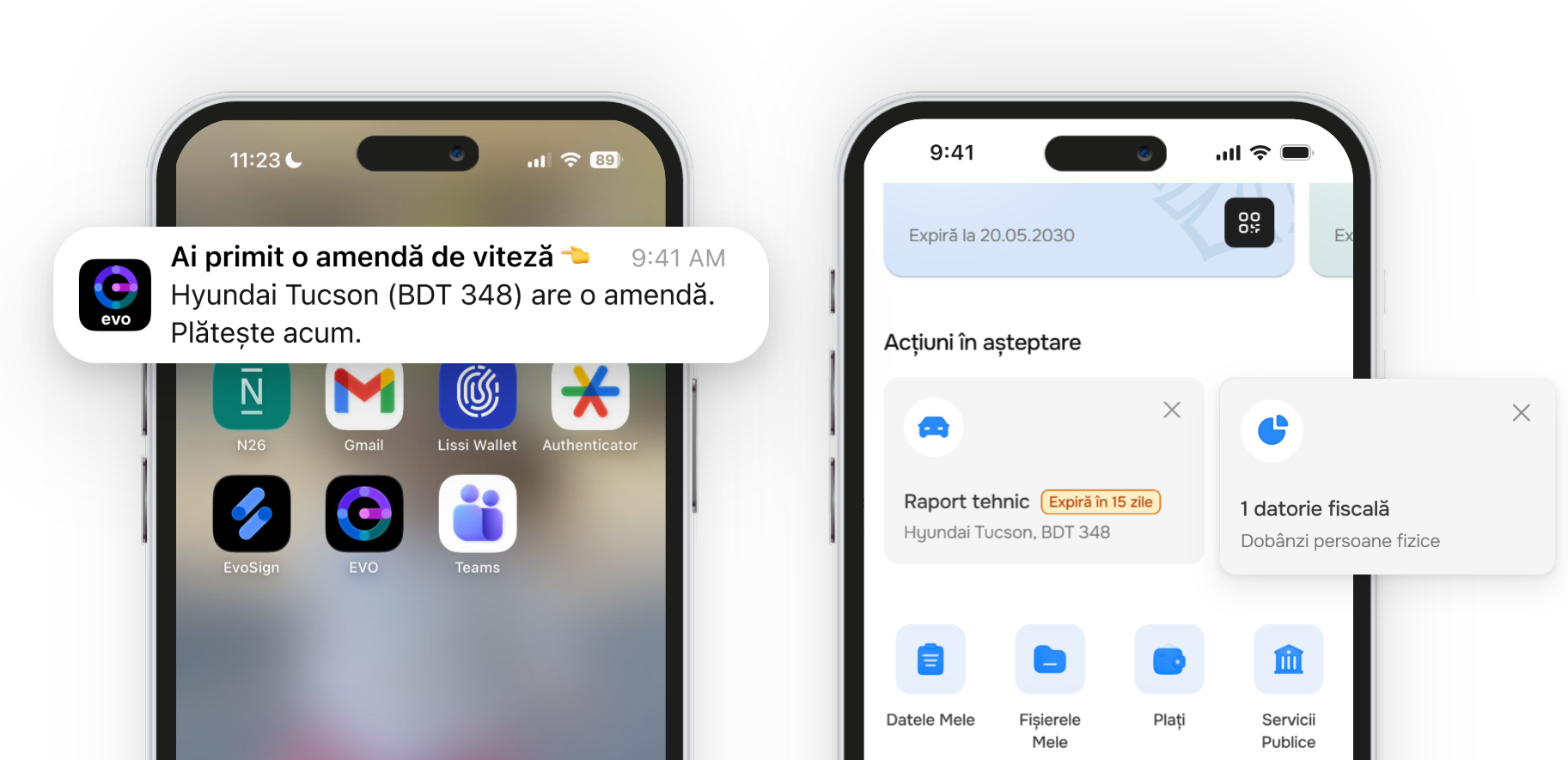
See in time what you need to resolve: expired documents, unpaid taxes, fines or other important actions.
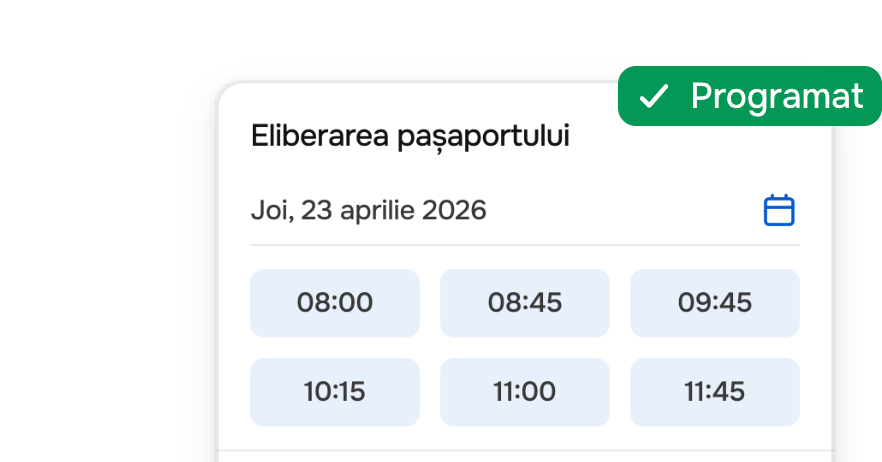
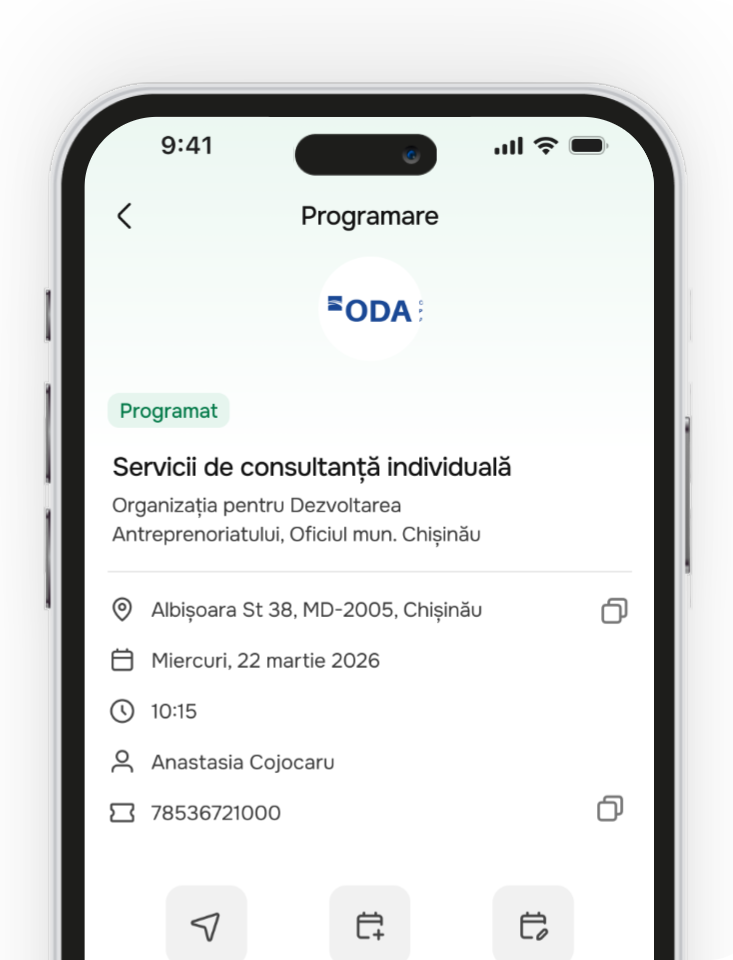
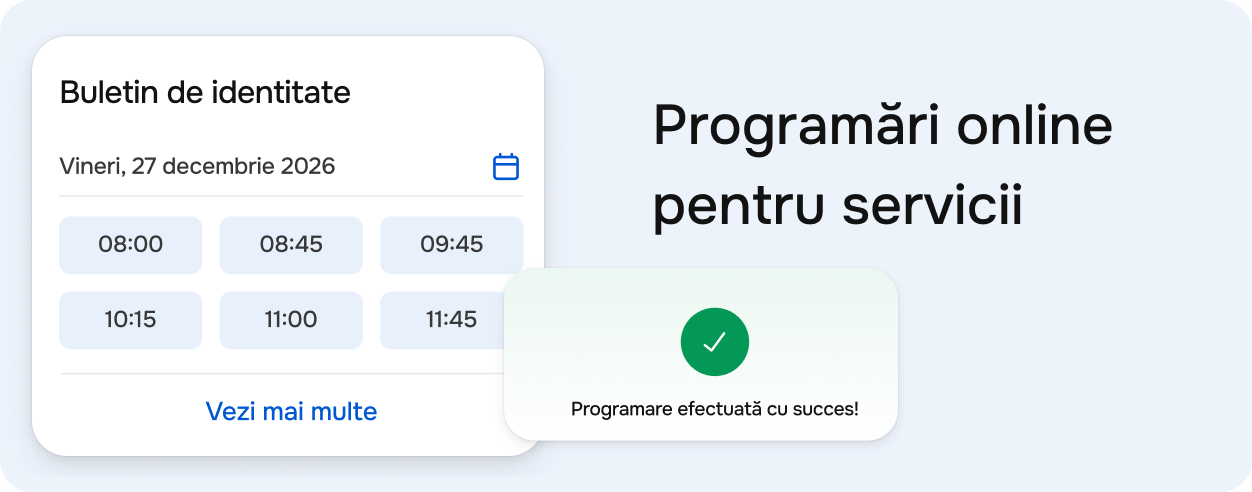
Book appointments at public institutions and embassies, choose a suitable slot and get confirmation in the app.
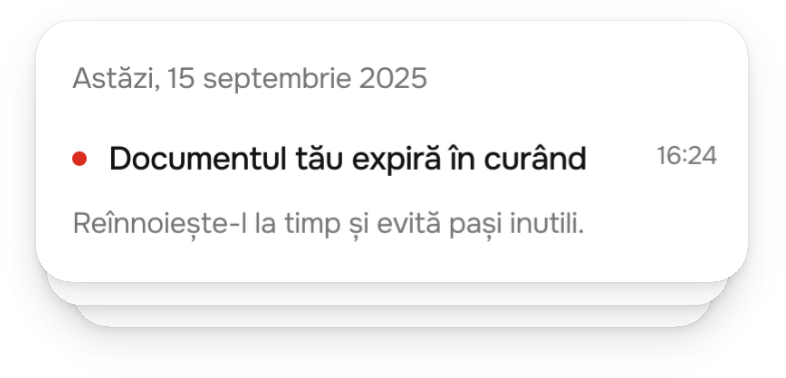
Stay up to date with news, official announcements and useful reminders without searching in multiple places.
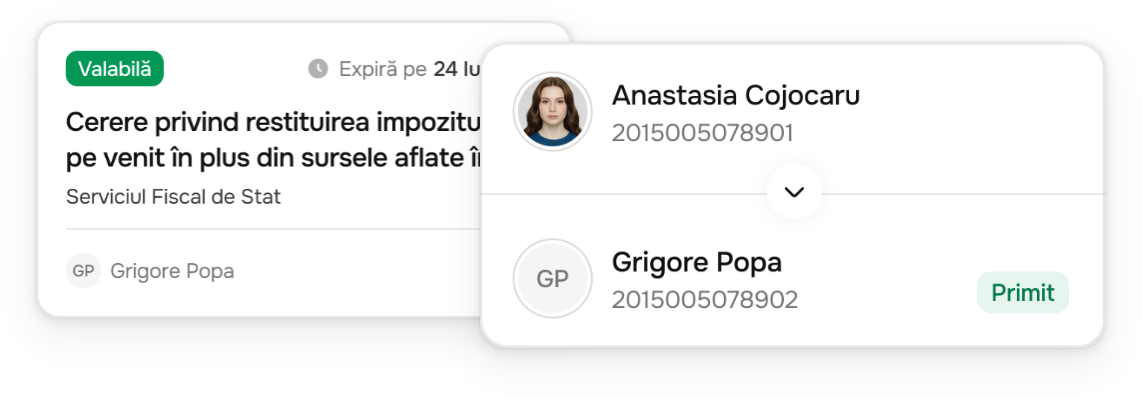
Create and manage powers of attorney so someone else can act legally on your behalf.
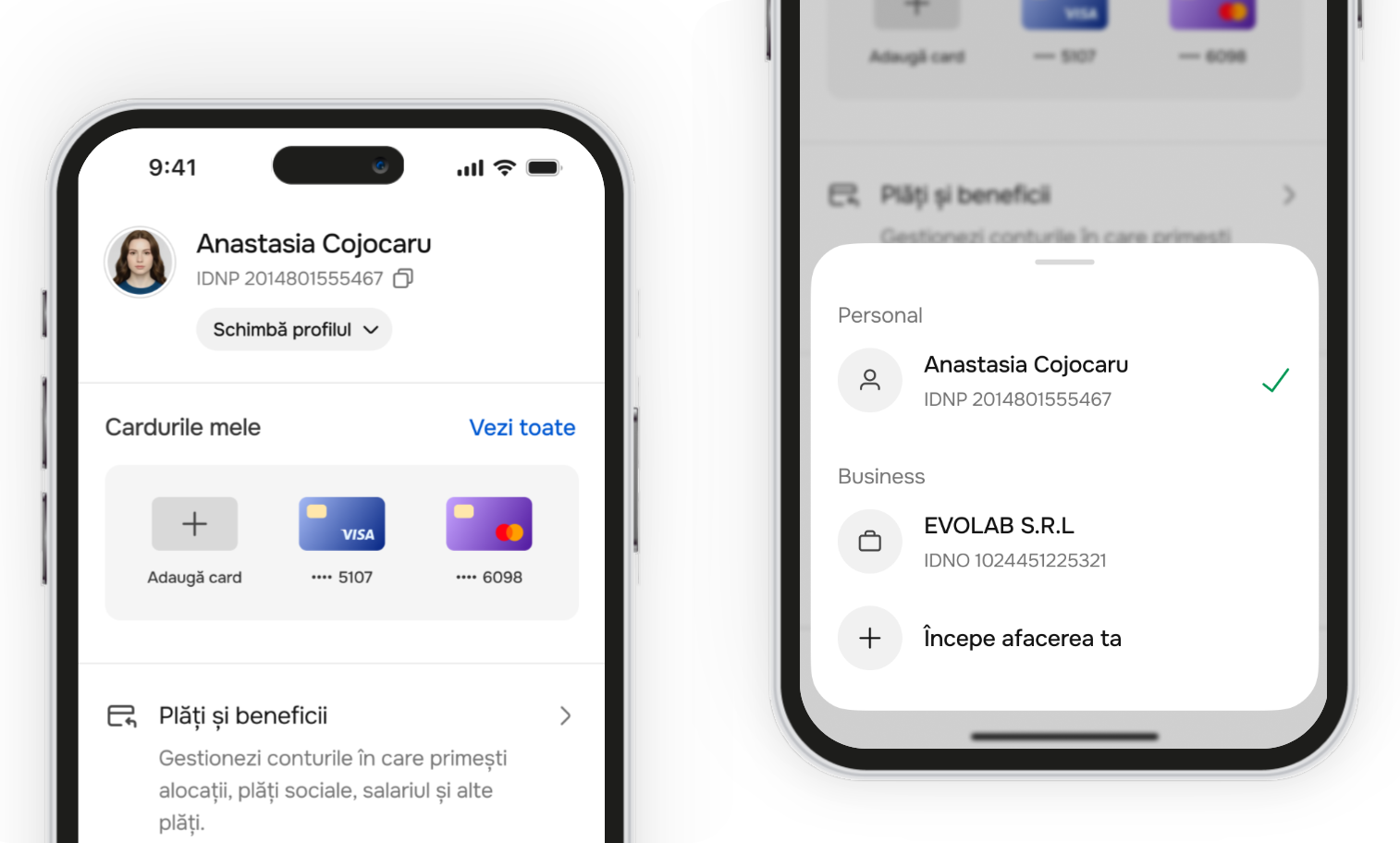
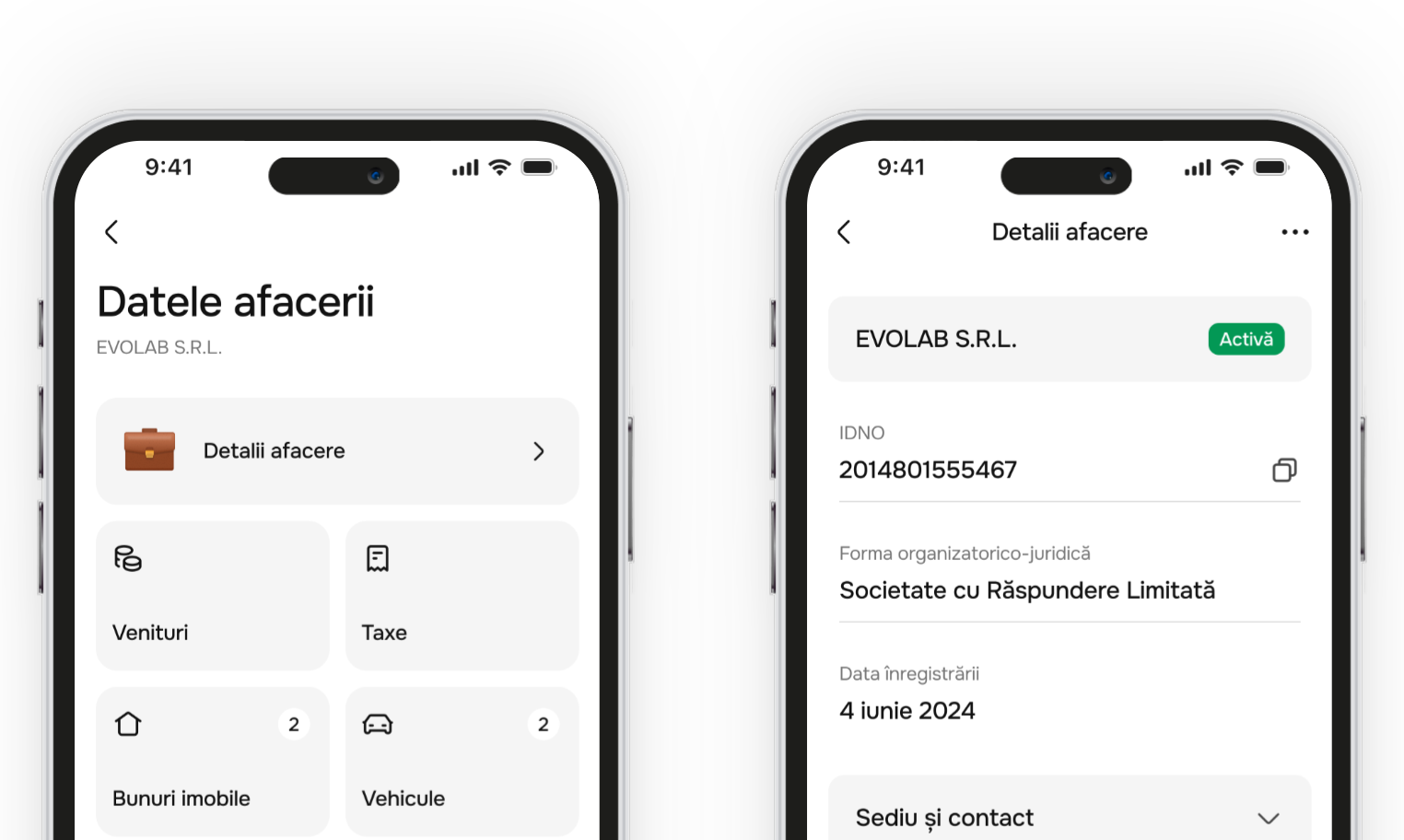
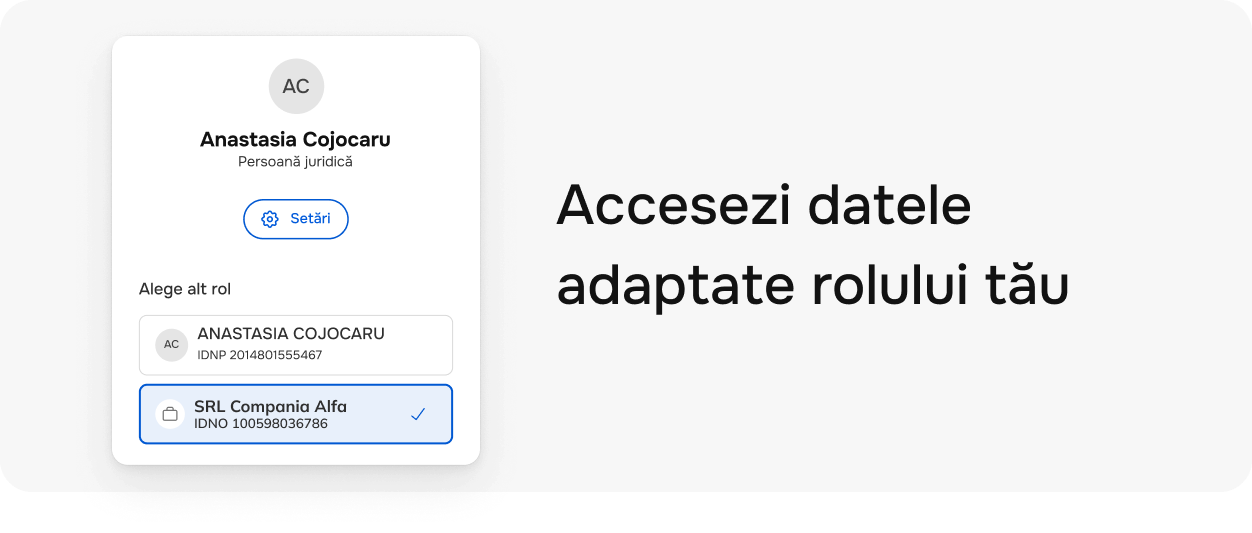
Switch between personal and business profiles and see modules relevant to each role.
See active or closed prescriptions, their status and validity directly in the app.
See if you have active health insurance and pay for it directly in the app if needed.
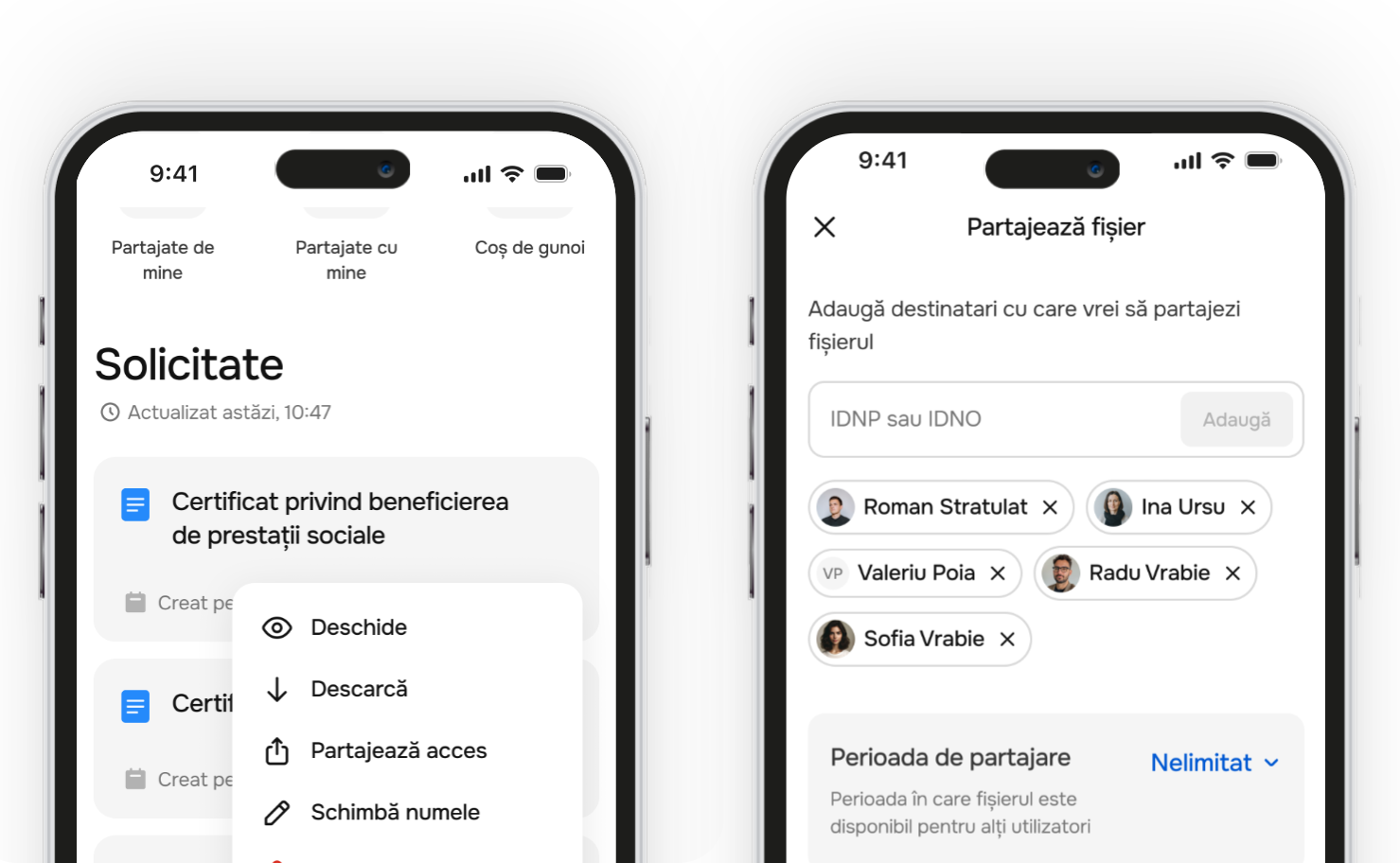
See received files, keep them in one place and share them quickly when needed.
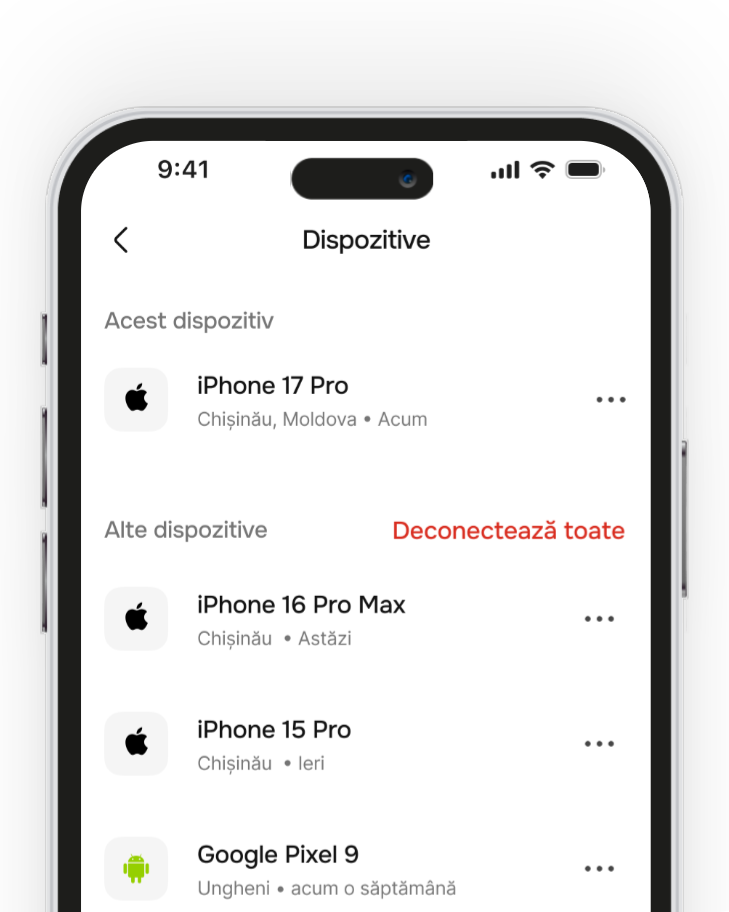
See which devices access your account and disconnect them at any time.
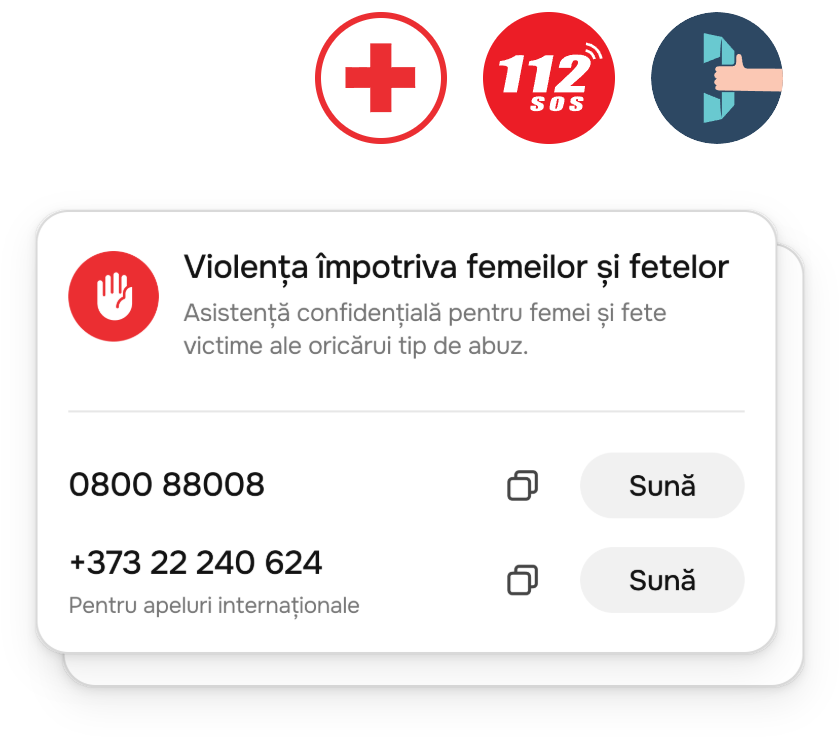
Quickly find useful numbers when you need help or support.
Access company certificates and documents directly in the app, without visiting counters.
Find public services for business and request them online without unnecessary paperwork.
Stay up to date with news and useful reminders for your business activity.
Manage powers of attorney and access for people acting on behalf of the company.
View official information about your company, assets and obligations in one place.
View and manage employee data and related procedures from your business profile.
Pay company obligations in the app and track payment history in one place.
Track the status of mandatory company declarations and reports.
EVO app and EVO cabinet
EVO App – the mobile version offers advanced functionality and convenience, while EVO Cabinet – the web version gives you a complete view of your data and interactions.
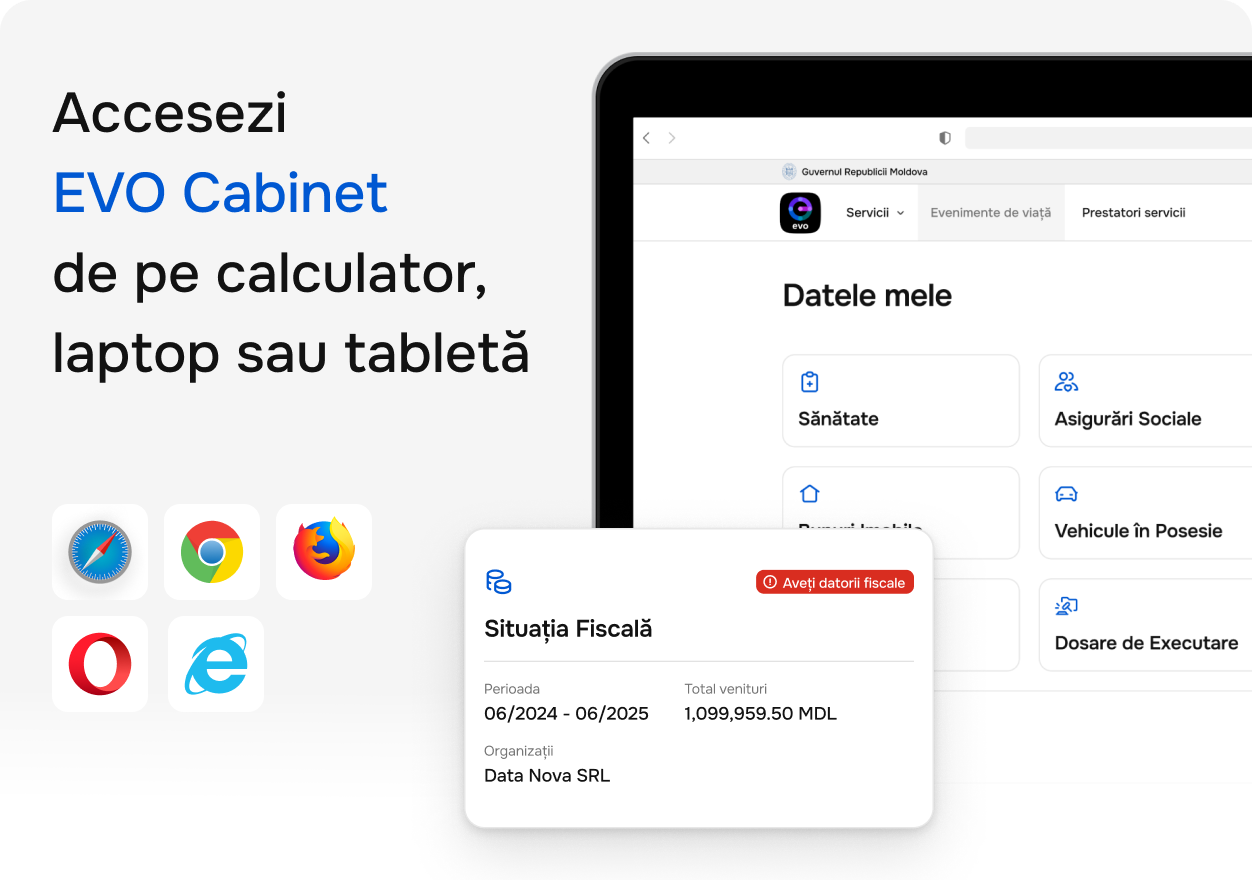


EVO already has digital documents. Soon, your digital identity will work to European standards for authentication, signing and data sharing – only with your consent.
Your documents are always at hand. You decide what to share and with whom.
Customer identification becomes simpler and safer: faster onboarding/KYC with less friction for 100% online services.
Instant verification of official data, with no paperwork. Fraud risk goes down and the quality of services offered to citizens goes up.
You can confirm the authenticity of EVO documents.
See who accesses your data
Full control over data sharing: when, with whom and what you've sent.
Digital identity ready to use
Authenticate, sign and confirm data directly through EVO.
Identity recognised across the EU
Your digital identity will also be recognised across the European ecosystem.
Accept documents from EVO
Are you a bank, telecom operator or public institution? On egov4dev you'll find the integration steps and technical documentation to plug into the ecosystem.
Access the integration documentation on egov4dev and start connecting.

Discover the standards and benefits of the Digital Wallet at European level – straight from the official site.
Answers to the most common questions about the EVO app and EVO cabinet.
EVO is the state's official mobile app where you access your digital documents, pay, and use public services directly from your phone – anywhere, anytime.
EVO Cabinet is the web version of EVO. You authenticate with MPass using your electronic signature, then see your data and interactions with the state from any computer, laptop or tablet.
An electronic signature confirms your identity and lets you sign documents with the same legal value as a handwritten signature – online, paperless.
You can contact our support team at support@egov.md or use the in-app error reporting form. You will receive an answer as soon as possible.
From the app menu choose "Report a problem" or write to support@egov.md with a description and, if possible, a screenshot.